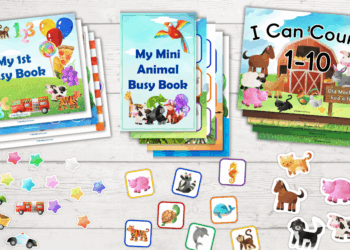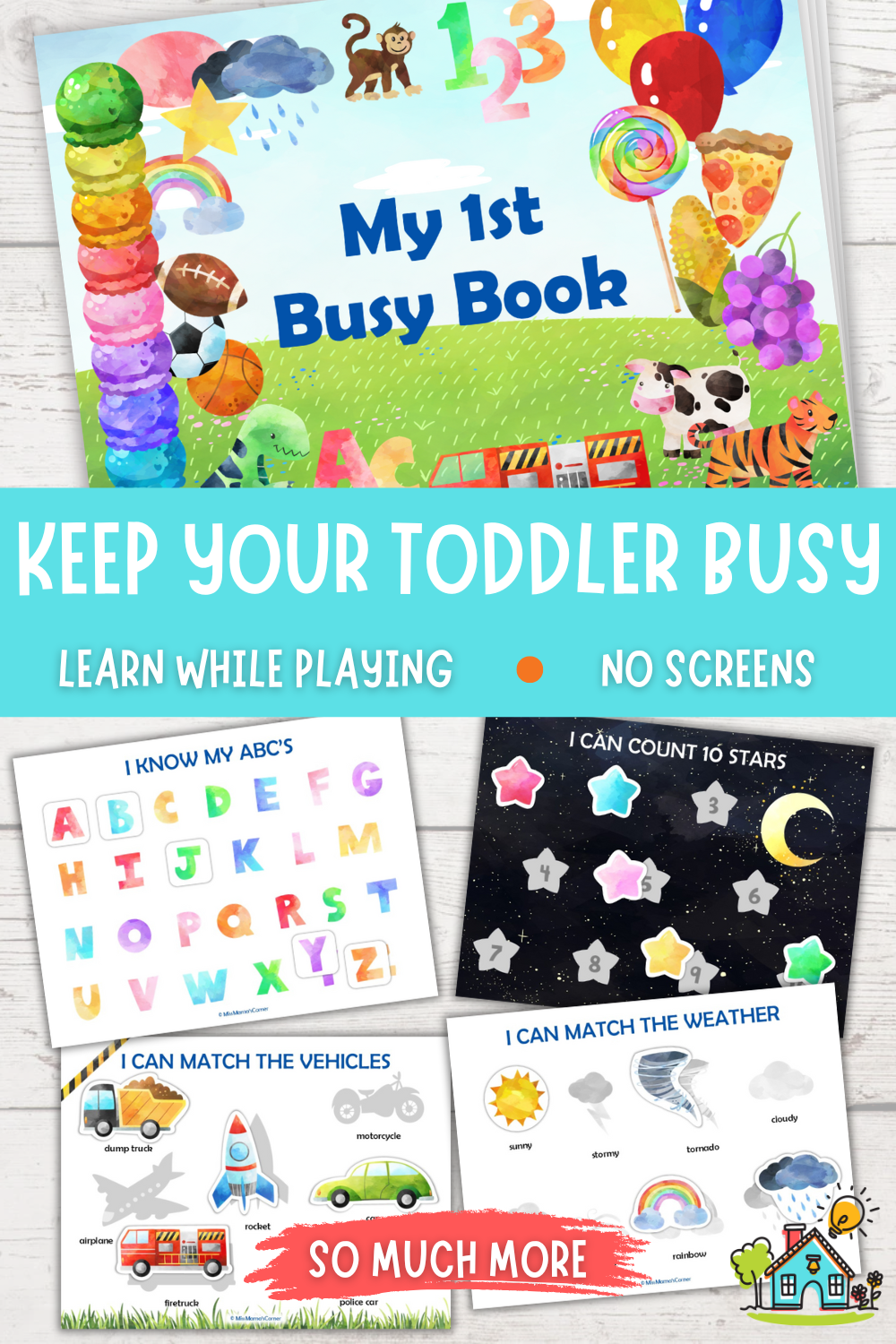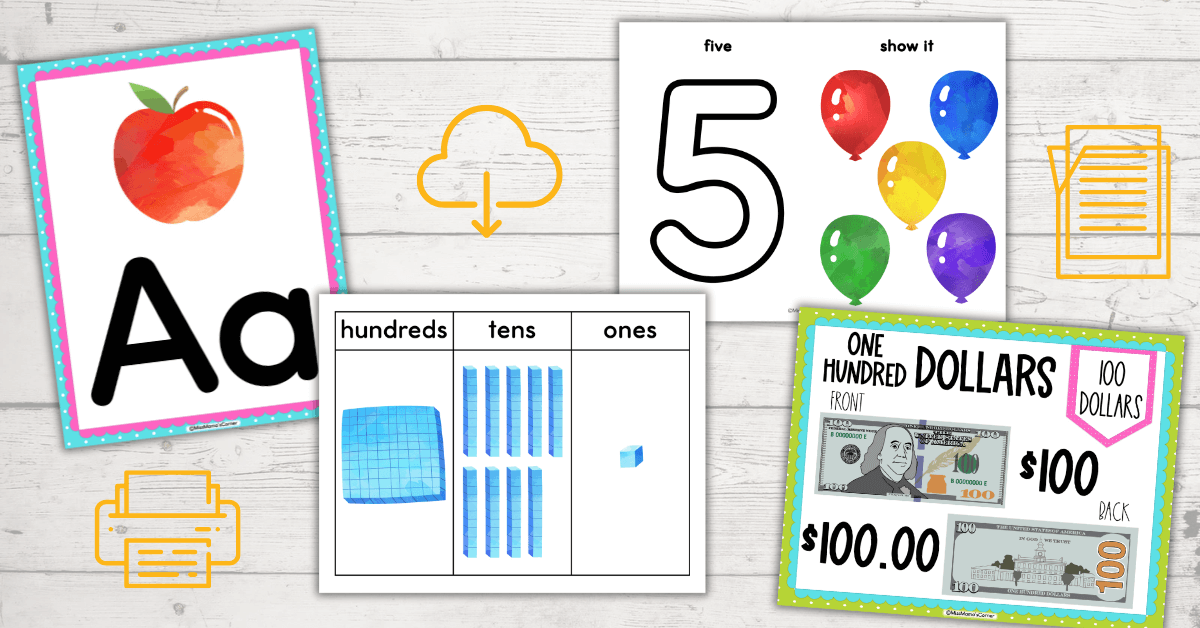
Whether you’re a mom trying to homeschool your little ones or a teacher setting up a classroom, there is something so satisfying about having beautiful, brightly colored resources. Many of us hang a variety of posters and use multiple sets of large flashcards to make our room look beautiful and make learning fun. However, what’s not so fun is when those new, beautiful resources become torn, bent, or stained from all the little hands and wear and tear that happen over time. The best way to prevent that from happening is by laminating them. Laminating them will protect them from dirt, spills and prevent the corners from curling up, allowing you to use them for years on end. In this post, I’ll show you the supplies you need and walk you through step-by-step instructions on how to print and laminate posters or large flashcards for your classroom or homeschool.
Table of Contents
STEP 1: ENSURE YOU HAVE THE SUPPLIES NEEDED
This post may contain affiliate links. Meaning I receive commissions for purchases made through those links, at no cost to you. Please read my disclosure here for more info.
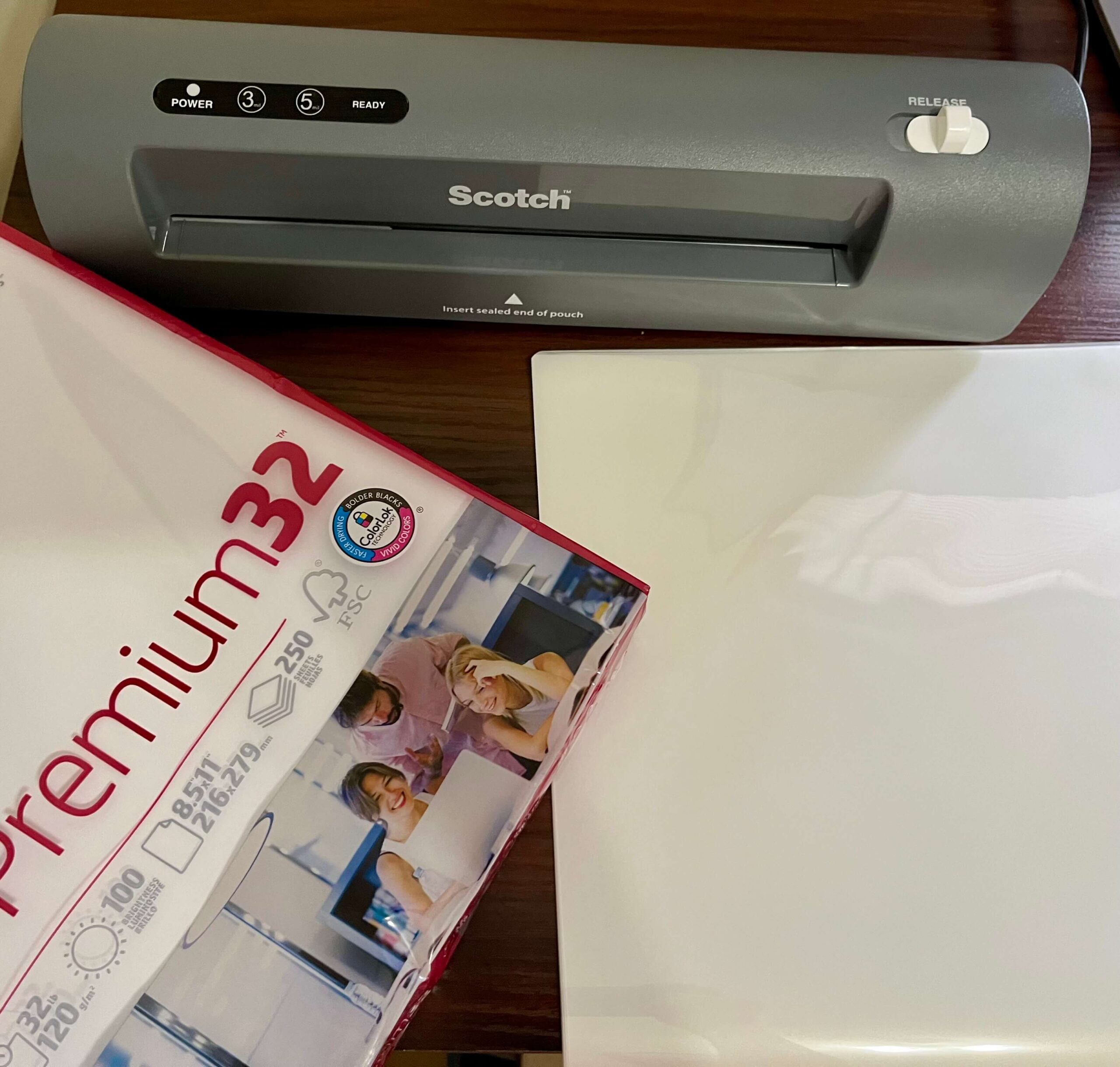
Below I have listed the supplies you will need in order to print and laminate your posters or large flashcards. (All links are products that I personally use.)
- Color printer
- White Heavyweight Paper (Recommended: Premium 32lb | 100 bright) or cardstock
- Laminator
- Laminating Pouches (3mil works very well)
STEP 2: DOWNLOAD YOUR FILES
This will vary depending on which platform you purchased your busy book from. I have two stores, one on Etsy and the other on Teachers Pay Teachers, also known as TPT.
If you purchased your resource on Etsy while logged into your Etsy account, then follow the steps below:
- Click on “Your Account” at the top right-hand side of the page. (It will be the person icon or your picture)
- Click on “Purchases”
- Scroll down, you will see all your purchases.
- To the right of your purchase you should see a button that says, “Download files”, click on it.
- This will take you to a new page. Scroll down until you see the “Download” button.
- Click the “Download” button. It should automatically download to your “Downloads” folder on your desktop.
If you checked out as a guest on Etsy, please check your email.
You should have received an email receipt. In that email there should be a link to download the files. If you are still having troubles finding it, send me a message through Etsy so we can discuss a way to send you the files.
If you purchased your resource on TPT, follow the steps below:
- Log in to your TPT account.
- Click on your account profile icon (usually at the top, right-hand side of the page), and choose “My Purchases” from the dropdown menu.
- Find the Busy Book that you purchased and click the “Download” button.
- If the busy book you purchased is linked to a Google Drive account, click the “Add to Google Drive” button. You will be prompted to sign in to your Google Drive account.
- Click on the files that you would like to download and hit the “Download” button.
STEP 3: PRINT YOUR PAGES
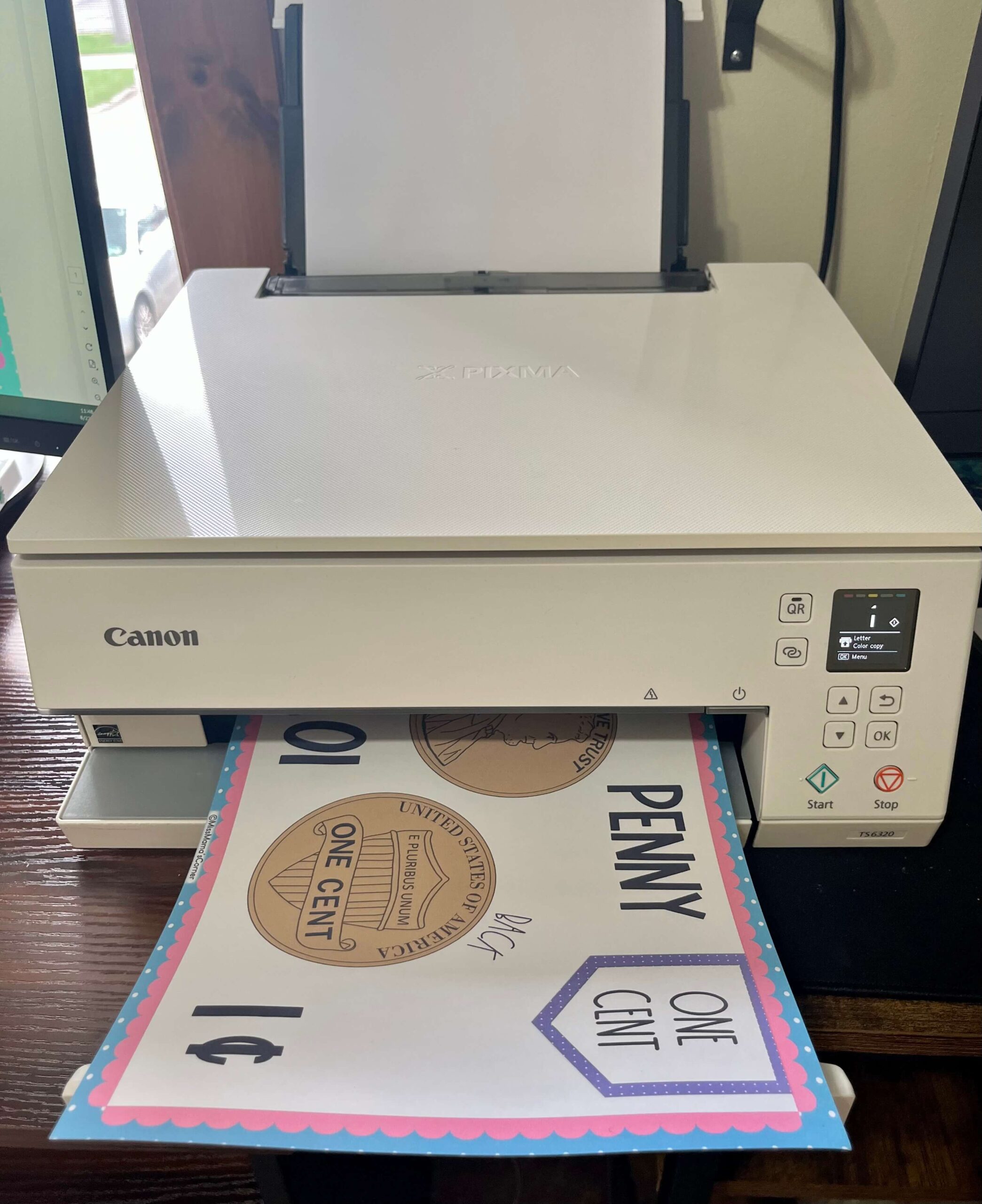
IMPORTANT: Don’t try to print the files from your Google Drive. Make sure you have downloaded the files to your computer.
- Open the downloaded file(s). They should be saved in your “Downloads” folder on your desktop.
- Print your selected PDF files using a color printer
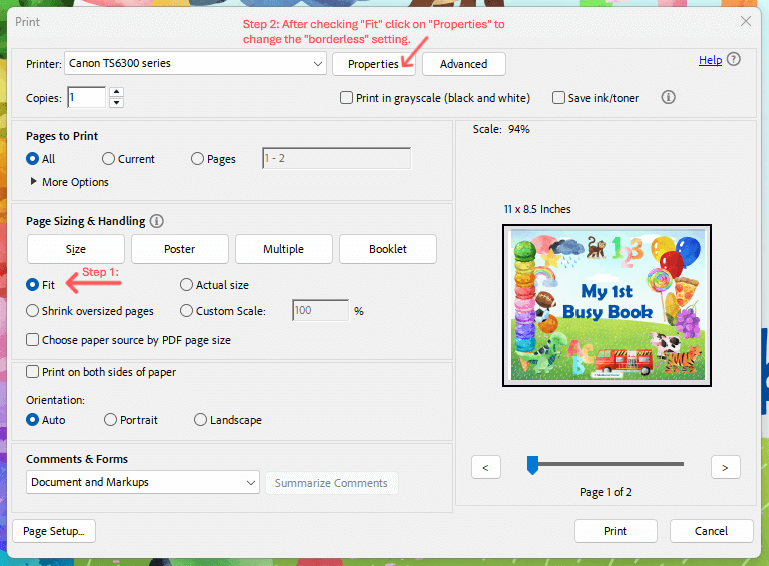
- Make sure your printer setting is set to “fit page” or “scale to fit” to avoid cutting off any content
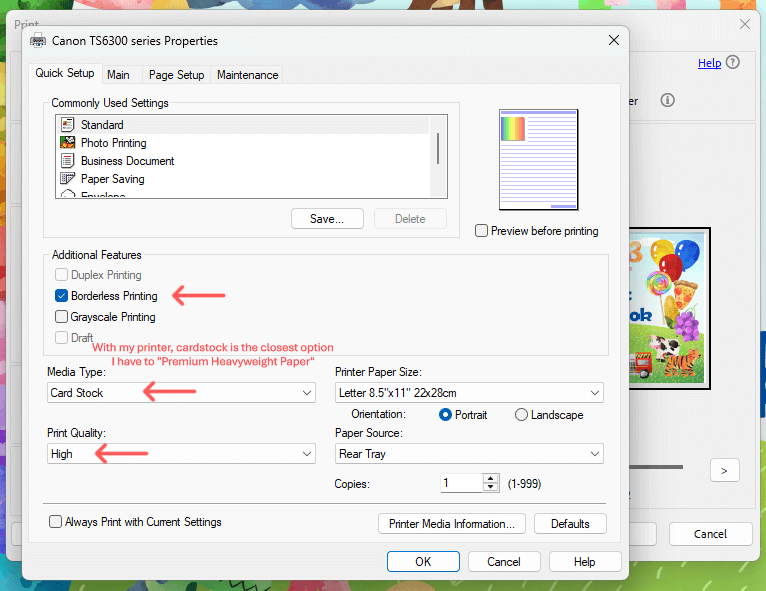
- For no white margin, be sure to choose “borderless” in your print settings.
STEP 4: LAMINATE YOUR PAGES
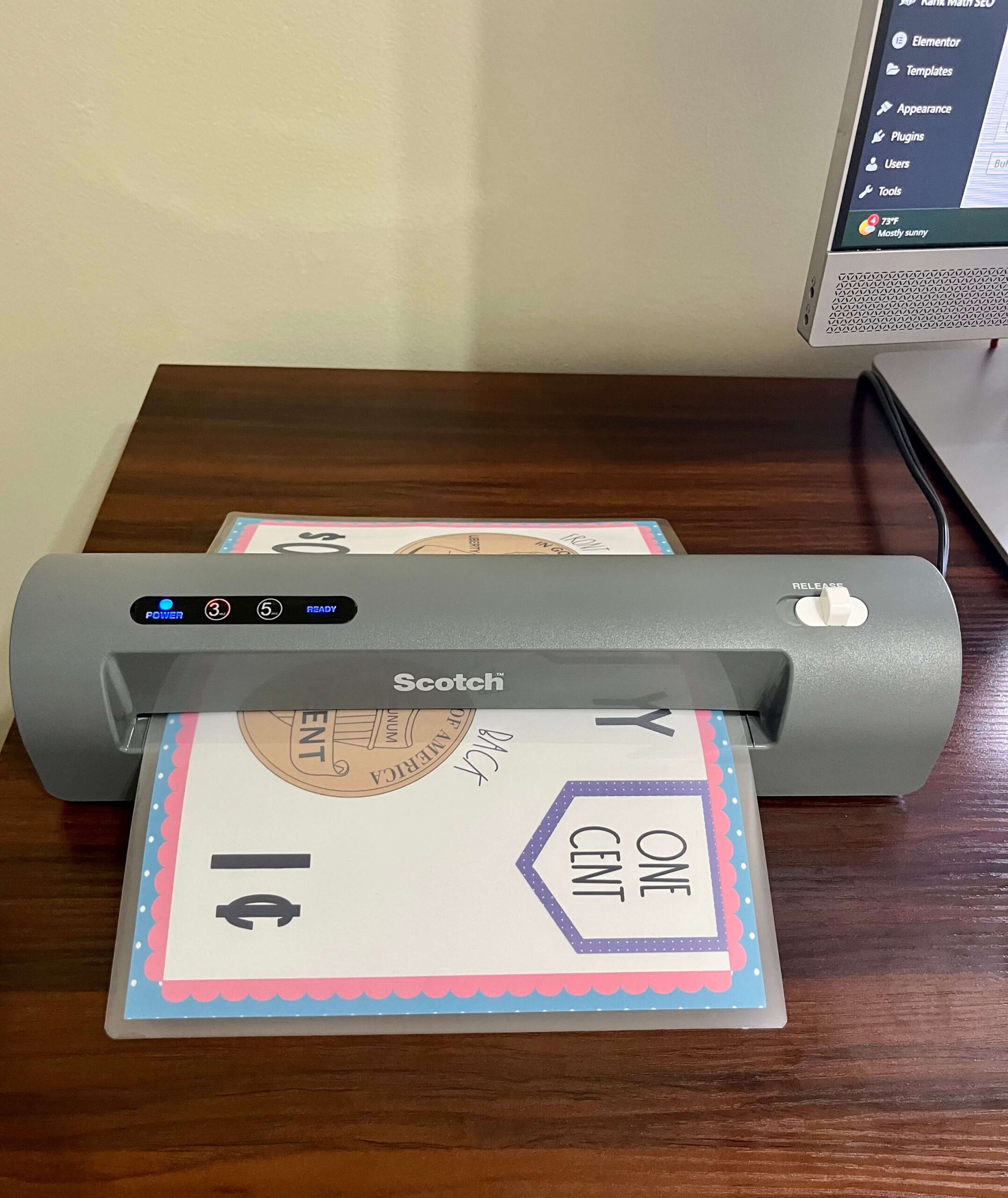
Although not mandatory, this step is highly recommended. Laminating your posters and large flashcards will make them more durable, prevent the corners from curling, and protect them from dirt and spills.
- Insert printed pages into laminating pouches. Try to center the page in the laminating pouch for a more appealing look.
- I use 3ml laminating pouches, and they work great.
- Run them through a laminator (This is the laminator I use. It works very well, is compact, and affordable.)
Optional alternatives:
- Use adhesive laminating pouches that don’t need heat or a laminator.
- Print on cardstock and use without laminating.
***If choosing to use one of the alternative methods to laminating your pages, just remember that they won’t be as durable, and you will likely need to print them multiple times as the pages could become damaged.***
STEP 5: ENJOY YOUR BEAUTIFUL RESOURCES
That’s all there is to it! Gather your supplies, download your files, print and laminate. A quick and simple way to “kid-proof” your resources and keep them beautiful for years. If you’d like ready-to-print resources check out my Etsy or TPT stores. Also, don’t forget to grab the printable supply list and step-by-step instructions below.
Thank you for trusting Miss Mama’s Corner to help you teach little hearts and minds!